How an energy company connected Subble ten days before its Microsoft renewal and signed 11% lower
This Australian energy company of 1,400 people was bracing for an increase on their Microsoft renewal, given headcount growth and Microsoft raising prices 13% to 30%. With the renewal due within two weeks, they brought in Subble, which immediately surfaced actionable cost savings. Acting on those recommendations, they signed the agreement $58k lower than the year before.
000000 - licences identified and reclaimed, about $79k a year across the Microsoft estate
00 days00 days - from connecting the Microsoft tenant to signing the renewal
The problem
At renewal time Microsoft knows exactly how many licences you hold. Whether the people holding them still work for you, and whether they still need the tier they were put on, is yours to answer. Doing that by hand across 1,400 people takes months, and the renewal was already on the calendar. This company saw it coming. Their Microsoft estate spans Microsoft 365, Power BI, Project, Visio, Teams and Copilot, hundreds of thousands of dollars a year, and they suspected some of it wasn't being used. Most companies in that position renew last year's numbers plus growth, because the evidence to argue for less doesn't arrive in time. They connected Subble instead.
What Subble identified on day one
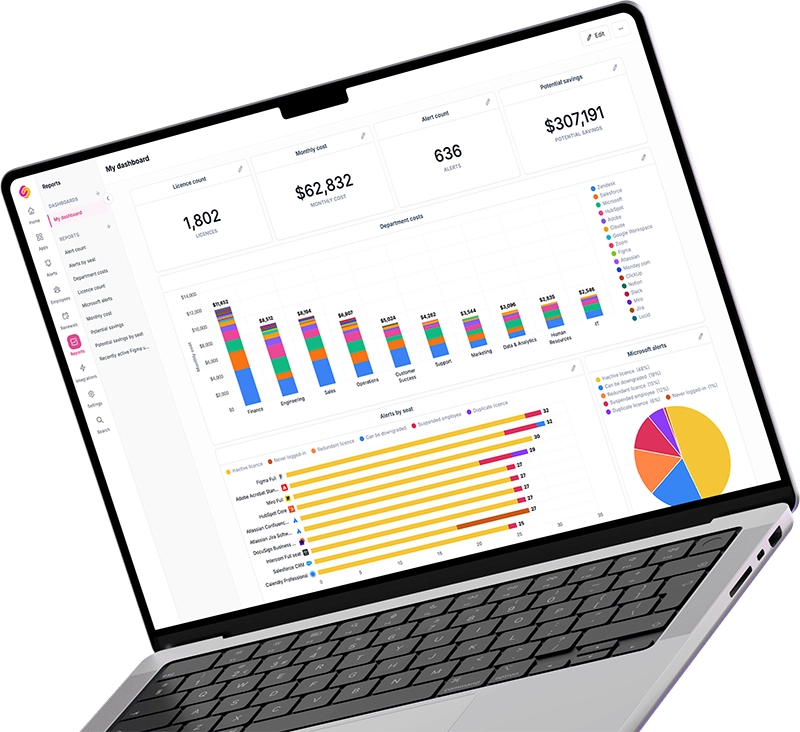
Subble synced the tenant, read the activity for each product, and found every licence that was costing money without being used. Four kinds of issue were identified.
How ten days was enough
The software had already done the analysis, so the team only had to work through what it identified.
- 1
Connect the tenant on day one
The Microsoft tenant was connected the day after signup and synced the same day.
- 2
Let Subble do the triage
From the first sync, Subble identified every licence that was inactive, downgradable, assigned to a departed employee, redundant, or never signed in with, each with its dollar value attached. There was no spreadsheet to build. The list was ready to work through on day one.
- 3
Work through the list
IT worked straight off the identified licences. In the second week alone they reclaimed 224 of them, worth about $61k a year, so the licence counts going into the renewal were counts people actually needed.
- 4
Sign the renewal on the new numbers
Ten days after the tenant was connected, the agreement was signed $58k (11%) below the year before.
The result
$58k
off the Microsoft renewal, year on year
Paid for itself
on the customer's own numbers, before their first Subble invoice was due
What's next
The team did the first pass because the renewal was coming. From here they don't have to remember to look: someone leaves, or someone stops opening Power BI, and Subble identifies that licence. They see idle licences immediately now, rather than at the next renewal. And because the rest of the stack came online in the same fortnight, they now run the same check over Salesforce, Adobe, DocuSign, Okta and monday.com, and Subble has already helped them realise savings in those platforms as well.
“I just signed the Microsoft agreement, literally five minutes ago. Subble is responsible for $60,000 of what we've saved on Microsoft this year. From my perspective it's already paid for itself.”
Ready to take control?
Book a call and we'll walk you through your own usage, showing the licences going unused and the spend you can cut before your next renewal.